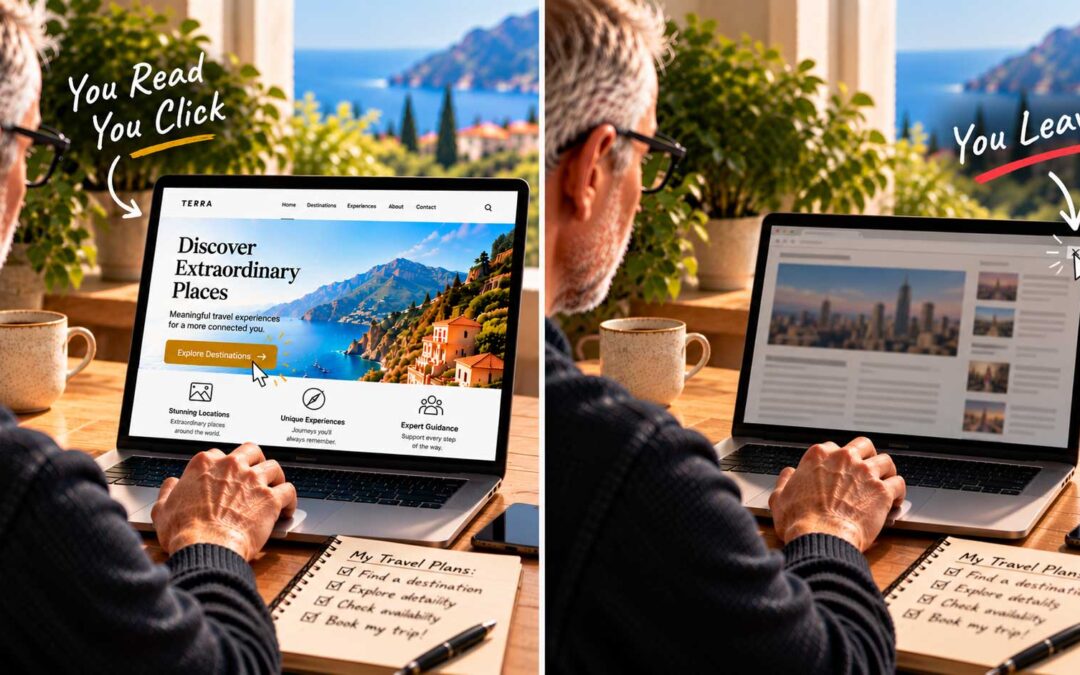

After two posts on the problems with sliders, you might think I never use them. Not true. There’s a time, a place, and a situation for everything, and we’ve used sliders often over the years. The key is that they have to be done right.
A slider that works. One good example is a business consulting firm whose homepage used a slider in harmony with the rest of the site. The header was clean, with a logo and a simple menu. The slider was sized modestly, so it didn’t swallow the screen. Each slide paired a relevant image with one short, encouraging headline about helping clients reach their growth goals, plus a single button. Directly below, a clear heading and a short paragraph explained exactly what the company did and where it was based, followed by a button inviting visitors to learn more.
What made it work? The slides were relevant, the text on them was brief, real, and searchable, and the most important information didn’t depend on the slider at all. Visitors understood the business whether they watched every slide or none.
A checklist for sliders. If you decide to use one, these guidelines will keep it working for you:
- Keep it modest in height, so key information stays above the fold.
- Use three slides or fewer, each with one clear message.
- Keep headlines as real text, not text baked into images.
- Don’t auto-advance, consider letting visitors control it.
- Compress every image so the page still loads fast, especially on phones.
- Make sure your core message also appears in plain text on the page.
What about video? Many sliders and page builders now let you show video in place of images. Modern browsers play video natively, without any special plugins. Just be aware that hosting large video files on your own server can use a lot of storage and bandwidth. A short, silent, well-compressed background loop or an embedded video from a platform like YouTube or Vimeo is usually the more practical choice.
The bottom line. Carousel sliders should be used sparingly and appropriately. Done badly, they slow your site, hide your message, and hurt your rankings. Done well, they can be interesting, helpful to visitors, and bring life to an otherwise static homepage. If you’re not prepared to put in the time to get one just right, there are simpler ways to get your message across.